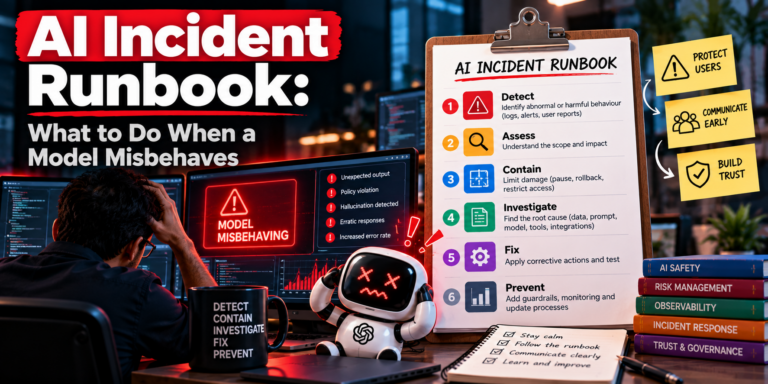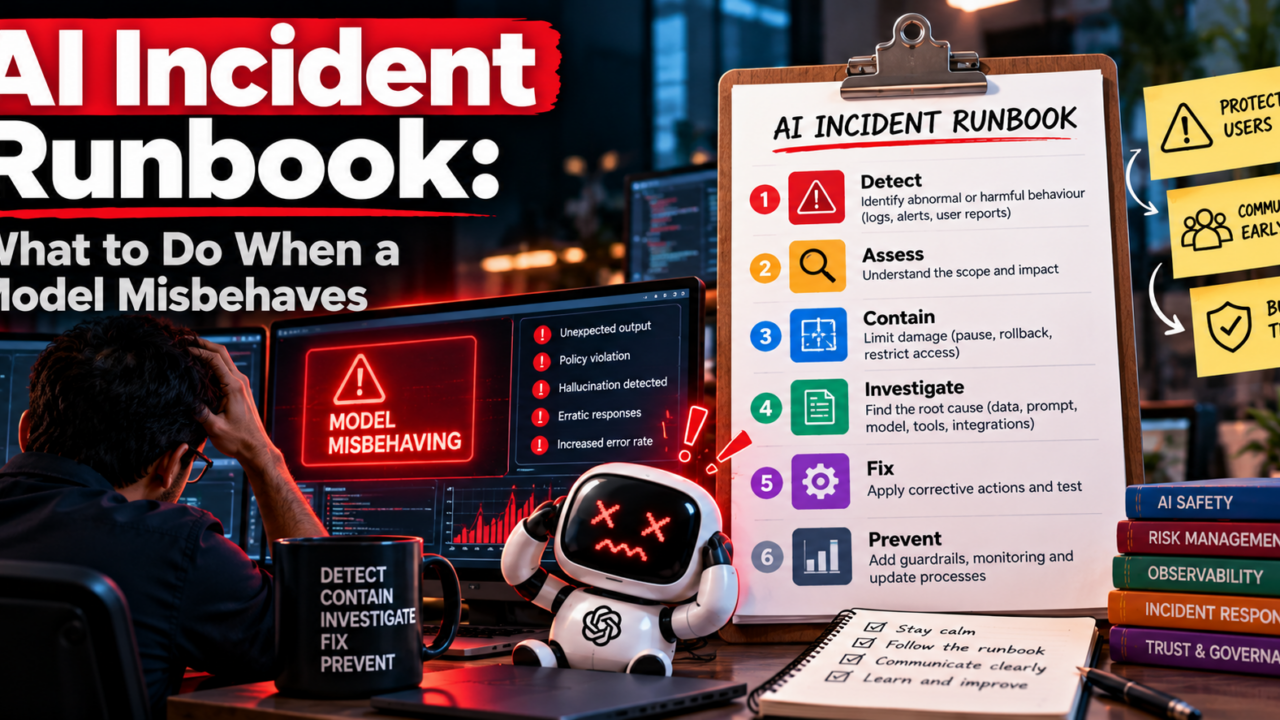
A model starts giving confident wrong answers at 2 a.m. Support tickets climb, someone proposes a quick prompt tweak, and nobody is sure who decides whether to switch it off. This is the moment an AI incident runbook earns its place.
This guide is for platform leads and engineering managers who run AI features in production. It covers triage, rollback, communication, root cause analysis and a post incident review. You can use the interactive tools below to build your own version.
What counts as an AI incident
An AI incident is any event where a model, or the system around it, behaves in a way that harms users, the business or trust. It does not have to be an outage. The service can return a 200 status and still be failing.
Most incidents fall into five groups:
- Harmful or wrong output: unsafe advice, fabricated facts, biased results.
- Quality regression: accuracy drops after a model, prompt or data change.
- Data exposure: the model reveals private or restricted information.
- Tool misuse: an agent takes an action it should not have been allowed to take.
- Cost or latency spikes: runaway token use, retries or slow responses.
The practical difference from a classic outage is detection. Traditional monitoring catches errors. It rarely catches a model that is fluent and wrong. That is why your runbook needs a clear way for support, product and users to report bad behavior, not just alerts from infrastructure.
Step 1: Triage and set severity
Triage answers one question fast: how bad is this, and who needs to know? A shared severity scale stops long debates in the first ten minutes. Use the tool below to try a simple version, then adapt the thresholds to your own risk tolerance.
Who does what in the first hour
Name three roles before an incident happens. An incident lead owns decisions and the timeline. A technical lead drives containment and diagnosis. A communications owner handles updates to leadership, support and customers. In a small team one person can hold two roles, but never all three.
Step 2: Contain and roll back
Contain first, understand later. The goal is to stop the harm with the least risky change available. Investigating a live failure while users keep being affected is a common and avoidable mistake.
Rollback options, from fastest to slowest
- Feature flag or kill switch: turn the AI feature off or route to a safe default.
- Prompt or configuration revert: restore the last known good version.
- Model version pin: return to the previous model or provider version.
- Retrieval or data rollback: remove a bad document, index or data source.
- Human fallback: send requests to a person or a rules based path.
Each option works only if you prepared it earlier. Version your prompts, configuration and retrieval indexes together, and keep the previous release deployable. If you cannot roll back in minutes, that gap belongs at the top of your improvement list.
Also preserve evidence before you change anything. Save the failing inputs, outputs, model version, prompt version and retrieved context. You will need them for the investigation, and you may need them for compliance.
Step 3: Communicate early and on a schedule
Silence creates more damage than bad news. Set an update rhythm when the incident starts, for example every 30 minutes for the highest severity and every few hours for lower ones. Stick to it even when the update is “no change”.
| Audience | What they need |
|---|---|
| Leadership | Impact, severity, owner, next update time |
| Support teams | What users see, approved wording, workaround |
| Customers | What happened in plain language, what you did, what to expect |
| Legal and security | Any data exposure, regulated content or contractual impact |
Keep external messages factual. Say what you know, what you do not yet know and when you will update again. Avoid guessing about cause until the analysis is done.
Step 4: Run a root cause analysis
Once the harm is contained, root cause analysis begins. The aim is to find the conditions that allowed the failure, not a person to blame. Google’s Site Reliability Engineering guidance on blameless postmortems makes the same point: people do not fail in isolation, systems let them.
Where AI incidents differ
Software bugs usually trace to one code change. AI failures often involve several layers at once. Check each one:
- Model: did the provider update the model or change default behavior?
- Prompt and configuration: what changed, and who approved it?
- Retrieval and data: did a new or stale document enter the context?
- Tools and permissions: was the agent allowed to do more than intended?
- Evaluation gaps: why did tests not catch this before release?
The “5 whys” technique works well here. Ask why until you reach something your team can change: a missing test, an unclear owner, a release without review. Stop when the answer is no longer a symptom.
Step 5: Write the post incident review
A post incident review turns one bad day into lasting improvement. Hold it within a week, while details are fresh. Keep it blameless and focused on decisions, timing and system gaps.
Incident report format you can copy
Title:
Severity and dates (start, detected, contained, resolved):
Impact (who was affected, how, how many):
Timeline (key events with times):
Root cause and contributing factors:
What went well:
What went wrong:
Action items (owner, due date, priority):
Follow-up review date:
Every action item needs an owner and a date. Reviews that end with vague intentions change nothing. Track actions in the same system as your normal engineering work, and check them at the follow-up review.
Finally, share a short summary beyond the immediate team. Teams that publish what they learned find it easier to get approval for the safeguards that follow, such as stronger evaluations, canary releases and tighter tool permissions.
Frequently asked questions
What should an AI incident response plan include?
Severity levels, named roles, rollback options, a communication schedule, evidence preservation steps and a post incident review process. It should also say who can disable an AI feature without waiting for approval.
How is an AI incident different from a security incident?
They overlap, but many AI incidents involve no attacker. A model can simply produce harmful or wrong output after a change. Your plan should cover both, and link to your existing security process where data exposure is involved.
How long should a post incident review take?
Plan for 45 to 60 minutes with the people involved, held within a week. Prepare the timeline beforehand so the meeting focuses on causes and actions.
Who should own the runbook?
Usually the platform or engineering lead for the AI system, with input from security, legal and support. One named owner keeps it current.
Next steps
Start small. Define three severity levels, name your three roles and confirm you can switch off one AI feature in minutes. Then use the checklist above to find your next gap. If you want help hardening AI systems before the next incident, the iAastha team works with engineering leaders on exactly this.