Quick answer
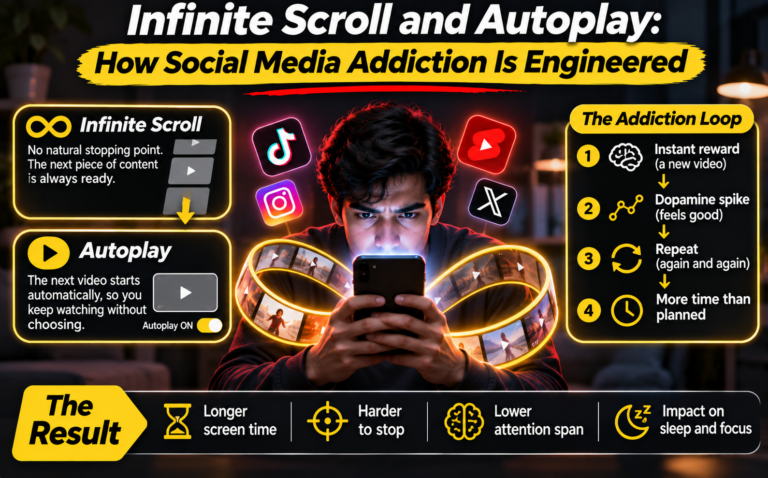
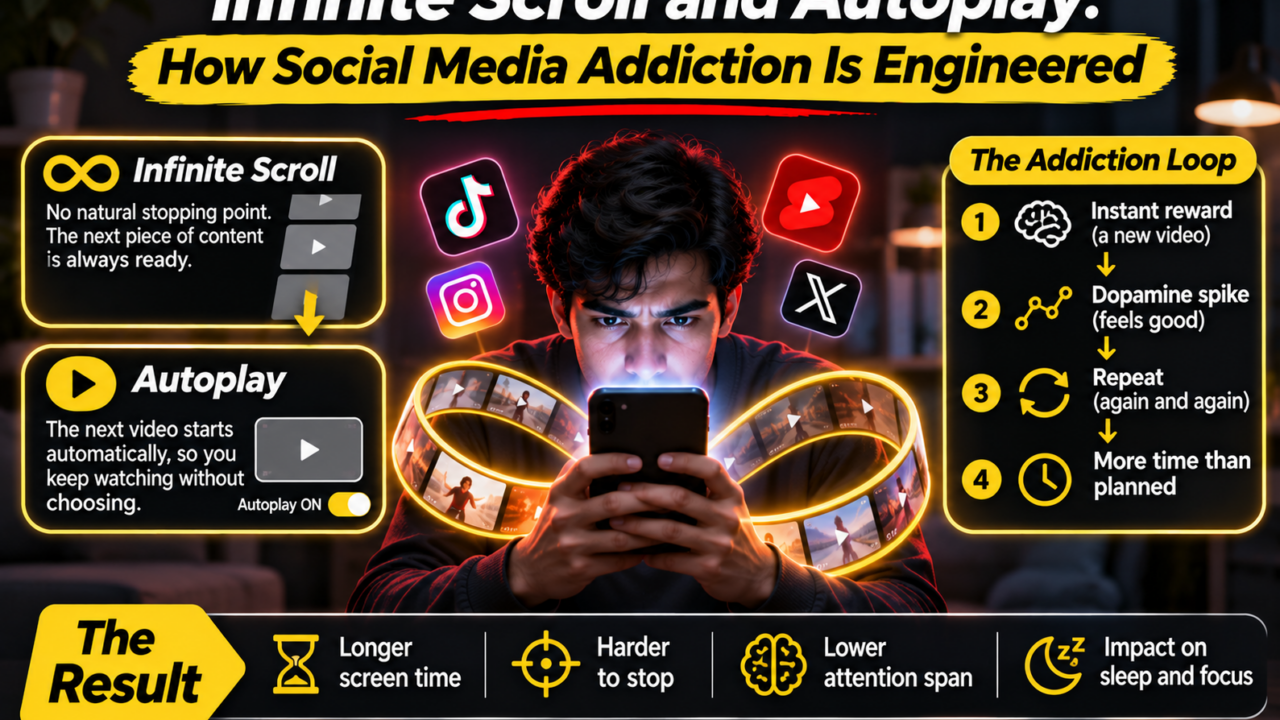
- Infinite scroll removes the bottom of the feed, and autoplay removes the pause between videos.
- Recommendation models choose what loads next based on what held your attention before.
- In March 2026, a Los Angeles jury found Meta and YouTube negligent in a landmark social media addiction trial.
- You can reduce the pull in minutes by changing a few settings and adding your own stopping cues.
You open an app to check one message. Forty minutes later you are still moving your thumb, and you cannot say what you just watched. That is not a personal weakness. It is the predictable result of design choices, and in 2026 a court heard evidence about exactly those choices. This guide explains how infinite scroll and autoplay work, how AI decides what appears next, why the combination feeds social media addiction, and what you can do about it today.
What Are Infinite Scroll and Autoplay?
Infinite scroll is a feed that keeps loading new posts as you move down the screen. Before it existed, most websites used pages. At the end of a page you met a button, a footer or a plain blank space, and that small friction gave your brain a moment to ask whether you wanted more.
Autoplay does the same job for video and audio. When one clip ends, the next starts by itself, usually within seconds. You do not press anything. You only have to avoid pressing stop, and doing nothing is the easiest action there is.
Together, infinite scroll and autoplay remove what designers call stopping cues: the natural endpoints that help people decide they are finished. Without a cue, the default becomes continuing.
How AI Decides What Plays Next
The feed is not random and it is not chronological. A recommendation system ranks thousands of candidate posts for you in a fraction of a second. While the details differ by company, the general approach is well documented in public research and platform blog posts.
The signals the model watches
- Watch time and completion: did you finish the video, or leave after two seconds?
- Replays and pauses: a rewatch is a strong sign of interest.
- Shares, saves, comments and likes: deliberate actions that the model weights heavily.
- Scroll speed: slowing down on a post can count as interest even if you never touch the screen.
- Context: time of day, device, connection and what you did in your last session.
From prediction to the next autoplay
Each signal feeds a prediction: how likely is this person to keep watching if I show this item now? The system serves the item with the best expected result, then updates its guess using what you do next. This loop runs continuously, so the feed becomes more personal with every swipe. When autoplay is switched on, the winning prediction starts playing before you decide anything.
It is worth being precise here. The goal the model optimizes is usually engagement, meaning time and interaction. Nothing in that goal measures whether you feel better afterwards. That gap is where most criticism of infinite scroll and autoplay comes from.
Why This Design Drives Social Media Addiction
The phrase social media addiction is used loosely, so a definition helps. It is not a formal diagnosis in the major diagnostic manuals. Researchers and courts use it to describe compulsive, hard-to-control use that harms sleep, schoolwork, jobs or relationships. Several mechanisms link feed design to that pattern.
Variable rewards
Some posts are dull and some are excellent, and you cannot tell which is coming. Psychologists have long shown that unpredictable rewards are more compelling than steady ones. Slot machines rely on the same principle, and a feed with infinite scroll behaves much like a machine that never runs out of pulls.
No natural endpoint
Because the feed never ends, ending a session requires an active decision every few seconds. Tired or stressed people make fewer active decisions, so the longest sessions often happen at night, when sleep is already at risk.
Personalization that tightens over time
The more you watch a topic, the more of it appears. This can feel delightful when the topic is cooking and harmful when it is body image, outrage or risky challenges. The effect of social media addiction on young users is the central concern in the lawsuits described below, because teenagers are still developing the self-control that others rely on to stop.
Honest note: research on social media addiction is still debated. Many people use these apps heavily without harm, and effects vary widely by age, content and life circumstances.
The Social Media Addiction Trial and Lawsuits of 2026
Design choices stopped being only a talking point in 2026. On March 25, a Los Angeles jury returned the first verdict of its kind in the social media addiction trial. Reports describe a finding that Meta (for Instagram) and YouTube were negligent in the design or operation of their platforms and failed to warn about risks. The jury awarded a total of $6 million: $3 million in compensatory damages and $3 million in punitive damages, split 70% to Meta and 30% to YouTube.
The plaintiff, a young woman identified as Kaley, said she began using YouTube at age six and Instagram at age nine. Her lawyers argued the harm came from product design rather than from user content, which matters because US law (Section 230) generally shields platforms from claims about what users post. According to Bloomberg, the features at issue included notifications, likes, infinite scroll, autoplay videos and beauty filters.
Her lawyer Mark Lanier summarized the strategy in an NPR-reported line: “That’s called the engineering of addiction.” Instagram head Adam Mosseri disagreed with the framing, describing heavy use as problematic rather than addictive. Both companies said they disagreed with the verdict and planned to appeal, and Google argued that YouTube is a streaming platform rather than social media.
This was one bellwether case among many. Reporting at the time noted nearly 2,500 plaintiffs in the same California proceeding and further social media addiction lawsuits from state attorneys general and school districts. Because those cases are ongoing, check a current news source before relying on any single outcome.
Interactive: How Much Time Does Your Feed Take?
Average hours per day on feeds and short video:Calculate
Assumes a 16 hour waking day. Your numbers stay in your browser.
How to Turn Off Autoplay on YouTube, Facebook and Netflix
Turning autoplay off is the fastest single change you can make. Menu names change often, so if a path below does not match your screen, search the app’s help page for the word “autoplay.”
How to turn off autoplay on YouTube
Open any video and use the Autoplay toggle in the player controls. Switch it to off. On many devices the setting applies to your account or that device from then on. This is one of the most searched questions about autoplay for good reason: it takes ten seconds.
How to stop autoplay on Facebook
Open Settings and look for the Media or Videos section, then find the autoplay option and choose Never. This stops videos from starting as you scroll, which also reduces data use.
How to turn off Netflix autoplay
Go to Account, choose your profile, open Playback settings and untick both autoplay options: the next episode and the previews. Remember to repeat this for each profile in the household.
Switching off autoplay is only the first step
Infinite scroll has no single off switch in most apps. Practical substitutes include screen time limits, grayscale mode, logging out after each session so that opening the app takes effort, and using the website instead of the app.
Interactive: Your Stopping Cue Self-Check
Tick every statement that is true for you. This is a reflection tool, not a medical test. I often keep scrolling after I meant to stop. I open social apps without deciding to. Autoplay is switched on in at least one app I use daily. I use feeds in bed and my sleep suffers. I have tried to cut back and found it hard.See my result
Five Habits That Weaken Infinite Scroll and Autoplay
- Set a visible endpoint. Decide a number of posts or a timer before opening the app.
- Turn autoplay off everywhere. Check YouTube, Facebook, Netflix and music apps.
- Move apps off the home screen. A little friction changes behavior more than willpower does.
- Keep phones out of the bedroom. Night is when the lack of stopping cues costs most.
- Follow on purpose. Unfollow accounts that leave you worse off, because the model learns from what you linger on.
Parents can apply the same steps to children’s accounts and add the platform’s built-in time limits. For young people showing signs of social media addiction such as disrupted sleep, withdrawal from family or distress when offline, a conversation with a doctor or school counselor is a sensible next step.
Frequently Asked Questions
What is infinite scroll?
Infinite scroll is a design pattern that loads new posts automatically as you move down a feed, so the page never ends and there is no natural point to stop.
What does autoplay do on social media?
Autoplay starts the next video or episode automatically, usually chosen by a recommendation model, without you pressing play.
Is social media addiction a medical diagnosis?
Not formally. Researchers and courts use the term for compulsive use that harms sleep, school, work or relationships.
How do I turn off autoplay on YouTube?
Use the Autoplay toggle in the video player and switch it off.
The Bottom Line
Infinite scroll and autoplay are not accidents. They are engagement tools, steered by AI predictions, and a 2026 jury has already weighed their role in social media addiction. You cannot redesign the apps, but you can restore the stopping cues they removed. Start with autoplay, add one habit from the list above, and revisit your numbers in a week.