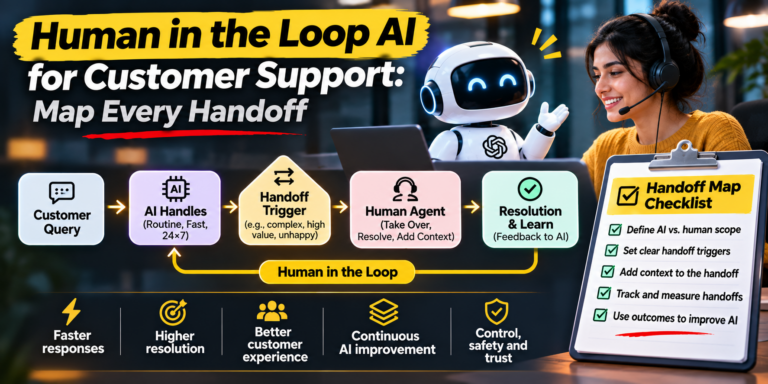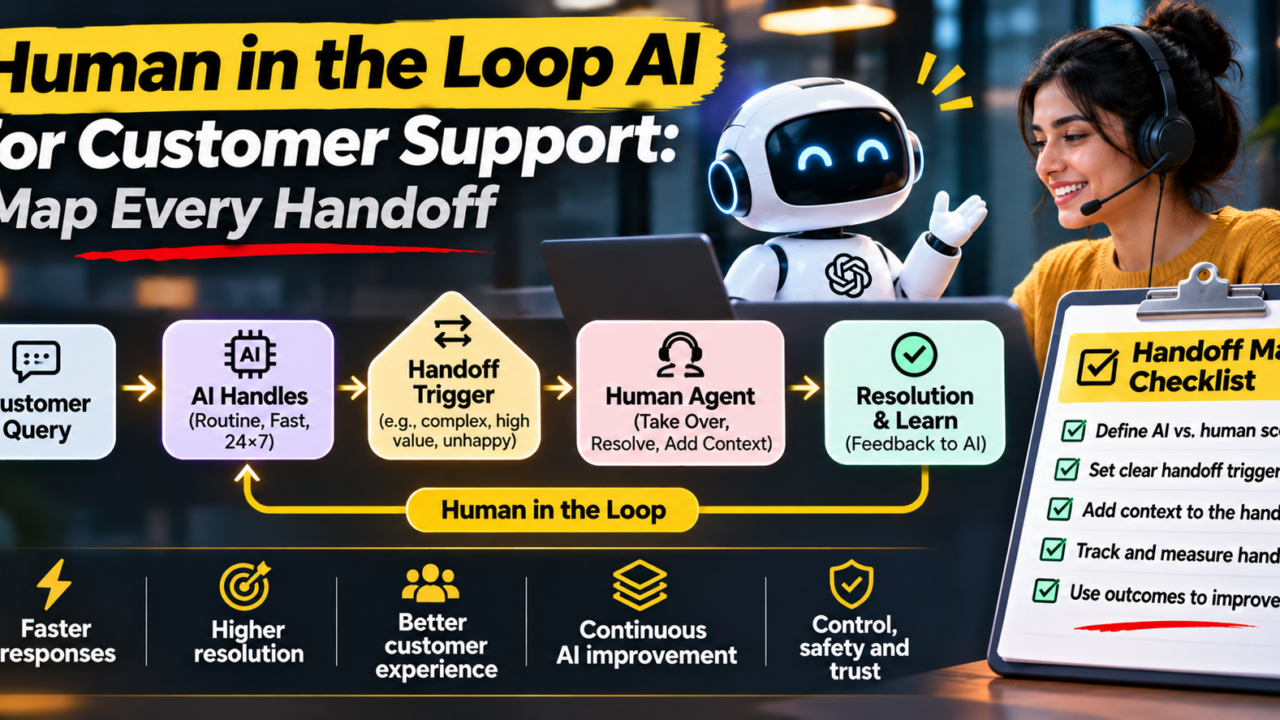
Short answer: Human in the loop AI for customer support means an AI assistant handles routine questions while a trained person steps in at defined points, with full context of what already happened. The handoff is where most support experiences break. Map one journey, mark each handoff, and fix the riskiest one first.
Why handoffs decide your customer experience
Most teams adopting AI customer support focus on how many questions the assistant can answer. Customers judge something different. They judge what happens at the moment the assistant cannot help, and whether a person picks up the thread or makes them start over.
That moment is the handoff. A good one feels like a relay race: the baton moves cleanly and nobody breaks stride. A bad one feels like being transferred between departments, repeating your order number three times while the clock runs.
Customer service automation works best when you treat the assistant and the support agent as one team with a shared memory. This guide shows how to design that team, using a customer journey map, a worked example and an interactive scorer you can use on your own support flow.
Human in the loop vs human on the loop
These two phrases get mixed up, and the difference matters for how you staff and design support.
- Human in the loop: a person approves or performs a step before it completes. Example: an agent reviews a refund the assistant has prepared.
- Human on the loop: the AI acts on its own while a person supervises and can step in. Example: the assistant answers order status questions while a team lead watches a live dashboard for failures.
Most support teams need both. Low-risk, high-volume questions suit the “on the loop” model. Money, safety, upset customers and unusual cases suit the “in the loop” model. Human in the loop automation is the practice of deciding, in advance, which is which.
A customer journey map template for support
A customer journey map for support follows one issue from the first question to resolution. For each stage, record what the customer wants, what the assistant can safely do, and what only a person should do. Think of it as a customer service workflow chart with the handoffs marked.
| Stage | Customer goal | Assistant can | Person must |
|---|---|---|---|
| 1. First question | Be understood quickly | Classify intent, answer common questions | Take over if intent is unclear after two tries |
| 2. Account check | Prove who they are safely | Run standard verification | Handle failed or unusual verification |
| 3. Diagnosis | Find out what went wrong | Pull records, summarize history | Judge ambiguous or multi-system problems |
| 4. Resolution | Get the problem fixed | Apply approved, low-risk fixes | Approve refunds and exceptions above a set limit |
| 5. Escalation | Not repeat themselves | Package the full context | Own the case and the relationship |
| 6. Follow up | Know it is truly done | Send confirmation, collect feedback | Review unhappy or reopened cases |
Example customer journey map: a duplicate charge
Here is a simple, illustrative example. A customer notices they were charged twice for one subscription and opens the chat.
- First question. The assistant recognizes a billing intent and asks for the invoice date.
- Account check. The customer passes standard verification.
- Diagnosis. The assistant finds two payments within a minute of each other, a likely duplicate.
- Resolution. The refund is above the amount the assistant is allowed to approve. This is the handoff.
- Escalation. A billing specialist receives a summary: intent, the two transaction IDs, the verification result and the customer’s tone. The specialist approves the refund and replies in one message.
- Follow up. The assistant confirms the refund timeline and asks for feedback.
The customer typed their problem once. The handoff happened at the point where the rules said a person should decide, and the person had everything needed. That is the standard to aim for.
What a person needs to take over
The quality of a handoff is the quality of the context that travels with it. Before you go live, make sure every escalation carries a short, structured packet.
The context checklist
- Intent: what the customer is trying to achieve, in one sentence.
- History: the conversation so far and any past tickets on the same issue.
- Steps already tried: so the agent never suggests the same fix twice.
- Data touched: which records the assistant read or changed.
- Customer state: urgency, sentiment and how many times they have already asked.
- Suggested next action: the assistant’s best recommendation, clearly labeled as a suggestion.
Keep the packet short enough to read in ten seconds. A long transcript dump pushes the work back onto the agent.
Which handoff should you improve first?
Every stage in your journey has a handoff risk, but you cannot fix them all at once. Use the scorer below. Rate each stage from 1 to 5 on three factors: how often it happens (frequency), how hard it is for the customer (effort), and how costly a mistake would be (risk). The tool multiplies the three and ranks your stages.
When should an AI assistant escalate to a human?
Good escalation rules are written down, not left to chance. These five triggers cover most support teams.
- Low confidence: the assistant is unsure of the intent or the answer.
- High stakes: refunds above a limit, account closures, legal or safety topics.
- Emotional signals: frustration, urgency or a request for a person.
- Repeat contact: the same issue raised again after a supposed fix.
- Regulated actions: anything a policy or law requires a person to approve.
Always honor a direct request for a person. Hiding the human option is one of the fastest ways to damage trust in AI customer support.
What to measure after you fix a handoff
- Repeat explanation rate: how often customers restate their issue after a handoff.
- Time to resolution after handoff: measured from the moment a person receives the case.
- Handoff reasons: grouped, so you can see which stage causes the most escalations.
- Satisfaction on escalated cases: compared with cases the assistant fully resolved.
- Reopen rate: a sign that a fix was incomplete.
Review these monthly, and rerun the scorer each time. The top-ranked handoff should change as you improve.
How iAastha approaches this
iAastha is an IT services and consulting company working with B2B teams on AI and technology. When we look at a support flow, we start where this article does: map the journey, find the handoffs, and decide where a person needs context to take over. See how we work on our services page.
Frequently asked questions
What is human in the loop AI in customer support?
It is a setup where an AI assistant handles routine questions and a trained person steps in at defined points, receiving the full context of the conversation so the customer never repeats themselves.
What is the difference between human in the loop and human on the loop?
With a human in the loop, a person approves or performs a step before it completes. With a human on the loop, the AI acts on its own while a person supervises and can intervene.
When should an AI assistant hand off to a human agent?
Hand off when confidence is low, when money or safety is at stake, when the customer shows frustration, when the same issue has been raised repeatedly, or when a regulation requires a person.
How do you build a customer journey map for support?
List the stages from first question to resolution, then for each stage note the customer goal, what the assistant can do and what a person must do. Mark every point where control changes hands.
Does customer service automation hurt customer satisfaction?
Not when handoffs are designed well. Satisfaction usually drops when customers must repeat information or cannot reach a person, not because automation is involved.