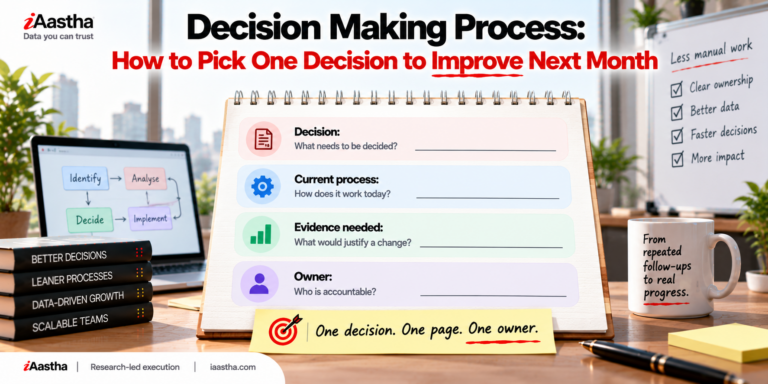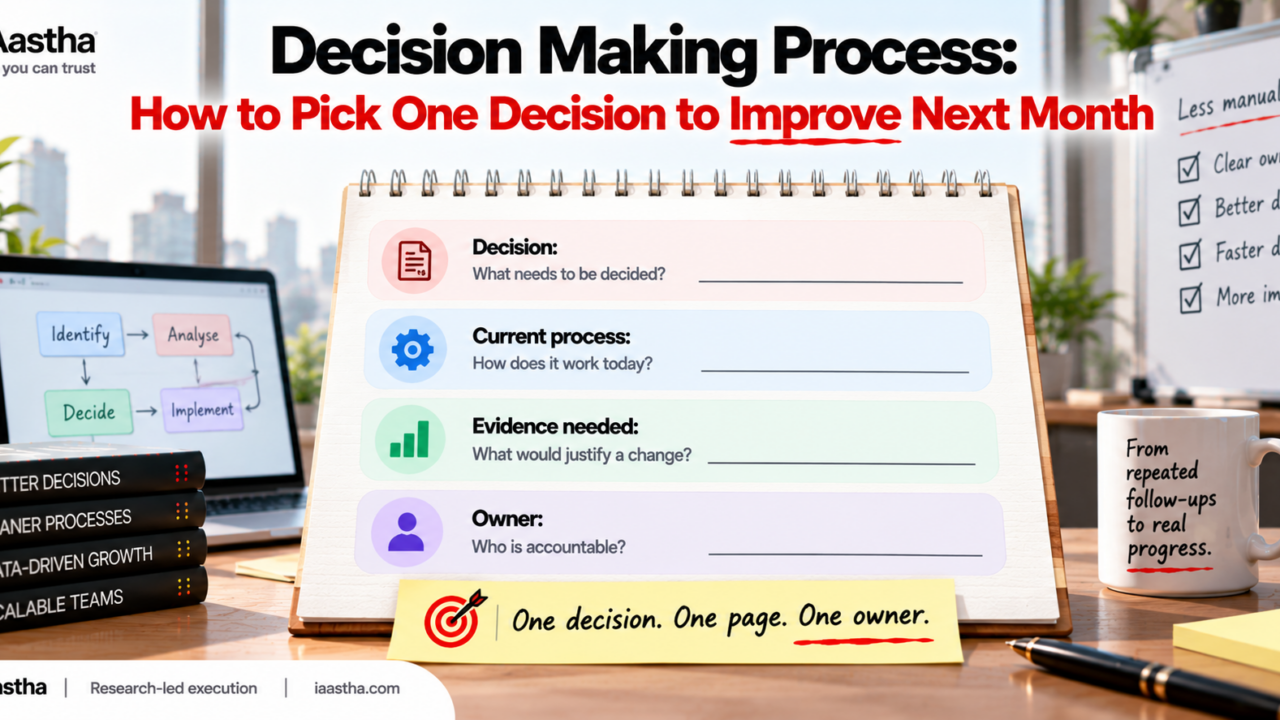
A useful decision making process for monthly planning has four steps. Name one decision, document how it works today, define the evidence you would need to justify a change, and assign an owner. Start with a decision that still depends on repeated manual follow up.
What is the decision making process, and why document it?
Every team has a decision making process, whether anyone wrote it down or not. A request comes in, someone checks a spreadsheet, a message goes out, a reply arrives two days later, and eventually a person says yes or no. That sequence is the process. It just lives in people’s heads and inboxes.
The trouble starts when planning meetings try to improve “decision making” in general. The topic is too wide to act on. Teams leave with a long list of ideas and no clear starting point. The fix is to narrow the scope to a single decision and make the current process visible.
That is also where process documentation earns its place. A short, honest record of how a decision actually gets made gives the team something concrete to question. Without it, every improvement idea is an opinion.
“Wherever there is judgment, there is noise.”
Daniel Kahneman, Olivier Sibony and Cass Sunstein, Noise: A Flaw in Human Judgment
The authors of Noise argue that the same kind of decision can come out differently depending on who handles it and when. A written process does not remove judgment. It does make the variation easier to see, and that is the first step toward reducing it.
The steps in the decision making process (a practical version)
Textbooks list five, six or seven steps in the decision making process. Those models are useful for study, but a monthly planning meeting needs something lighter. The four steps below fit on one page and can be finished before the next meeting.
Step 1: Name one decision
Pick a decision, not a department or a goal. Good candidates are approvals, prioritization calls, vendor choices, access requests or escalations. Look for the one where someone keeps chasing updates, rechecking the same data, or asking “did that get signed off?” before work can move.
Step 2: Document the current process
Write the steps exactly as they happen today, including the awkward ones. Who raises the request? Where does it wait? Who gets pinged? Which follow ups are manual? Do not describe the ideal version. The point is to capture reality, because that is what you will be changing.
Step 3: Define the evidence needed
This is the step most teams skip, and it matters most. Before you propose a fix, write down what you would need to see to justify one. It might be how long requests wait, how often they bounce back for rework, or how many follow ups each one needs. If you cannot say what evidence would change your mind, you are not ready to change the process.
Step 4: Assign an owner
Name one person who is accountable for the decision and for gathering the evidence. Shared ownership usually means nobody follows up. The owner does not have to do all the work. They make sure the work happens.
Management decision making process: where manual follow up hides
In a typical management decision making process, the slow part is rarely the decision itself. It is everything around it: waiting for an approver, reconciling two versions of the same data, or reminding someone that a request is still open. These gaps feel small one at a time, which is why they survive for years.
Repeated manual follow up is a reliable signal. If a person has to nudge the process forward every time, the process depends on memory and goodwill instead of structure. That is the kind of decision worth picking for next month.
“Type 2 decisions can and should be made quickly.”
Jeff Bezos, Amazon 2015 shareholder letter
Bezos separated decisions that are hard to reverse from those that are easy to reverse. Most decisions fall in the second group. When teams apply heavyweight review to reversible decisions, speed drops for no good reason. Checking how reversible your chosen decision is helps you decide how much evidence you actually need.
Decision making process example: a vendor access request
Here is a hypothetical example. Imagine a platform team that approves access requests from external vendors. Each request arrives by email. The security lead checks a shared sheet, asks the requester for missing details, then waits for the application owner to confirm. Someone on the team reminds both people every few days.
- Decision: Approve or reject a vendor access request.
- Current process: Email request, manual sheet check, two rounds of clarification, owner confirmation, manual reminders.
- Evidence needed: Time from request to decision, number of clarification rounds, and how many requests need a reminder.
- Owner: The security lead.
Notice what the brief does not contain: a solution. It does not say “automate it” or “buy a tool.” It sets up the question so the team can answer it with data. If the evidence shows the delay sits in clarification rounds, a better request form might solve it. If the delay sits in approvals, the fix is different.
How to write process documentation without writing a manual
Many teams avoid business process documentation because they picture a thick binder nobody reads. You do not need that. For this exercise, one page is enough. A few habits keep it useful:
- Write what happens, not what should happen. Honest beats polished.
- Ask the person who does the work. They will catch steps that managers forget.
- Include the follow ups. Reminders, chasers and workarounds are the interesting part.
- Use plain verbs and short lines. If a step needs a paragraph, split it.
- Date it. Process documentation goes stale, and a date tells readers how much to trust it.
This is the practical answer to how to write process documentation: capture one decision, keep it short, and have it confirmed by the people involved.
Business process documentation: what to keep and what to skip
Good business process documentation is short enough that people will actually update it. Keep the decision, the real steps, the evidence you plan to collect and the owner. Skip long policy language, tool comparisons and anything that describes a future state you have not agreed on yet.
Once the evidence is in, the brief can grow. You might add the findings, the options you considered and the change you chose. At that point it becomes a record of why the process looks the way it does, which helps new team members and future audits.
Monthly planning template: fitting one decision into your month
A monthly planning template works best when it has room for fewer things. Reserve one line for the decision you are improving, and treat the four-field brief as the agenda item.
- Week 1: Pick the decision and draft the current process with the people who run it.
- Week 2: Agree on the evidence needed and start collecting it.
- Week 3: Review what the evidence shows and discuss options.
- Week 4: Decide what, if anything, to change and name the next decision.
This keeps monthly planning honest. You finish the month knowing more about one decision instead of having half-started five.
Quick check: is this the right decision to pick?
Answer three questions about your candidate decision.
It involves repeated manual follow up.
A change could be tried and reversed within a month at low cost.
I can describe the evidence that would justify a change.
Tick the boxes that apply.
Frequently asked questions
What are the steps in the decision making process?
For monthly planning, use four: name one decision, document the current process, define the evidence needed to justify a change, and assign an owner.
How do you write process documentation?
Write the steps as they happen today, including follow ups, handoffs and approvals. Keep it to one page and ask the person who does the work to confirm it.
What should a process documentation template include?
At minimum: the decision, the current process, the evidence needed, and a named owner.
How is a management decision making process different from a personal one?
It involves handoffs, approvals and shared data, so delays often sit between people rather than inside the decision itself.